Web
Invite code requiredYour browser. Your characters. Open the studio with your web invite code and start making something ridiculous.
Open the web studio ↗Give a photo a voice. Turn it into a talking character, perform the part, and make a video worth sending to your friends.
Android test app + web studio available by invite.


Give a photo something to say. Your pet, a potato, that weird drawing in your camera roll — who’s next?
From choosing the mouth to finding the right voice, Mushmouth puts the performance in your hands.
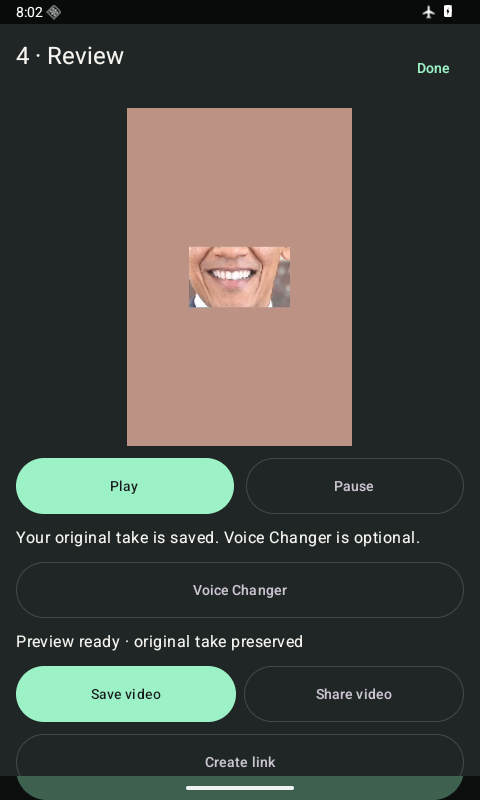
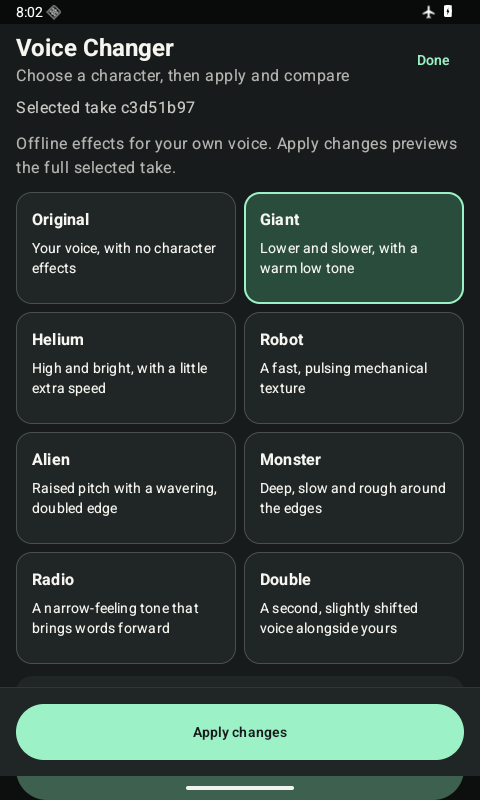
Android development previews. The app is still evolving.
Open the web studio, try the Android test build, or get on the list for iOS. Early access uses an invite code.
No code yet? Request an invite below ↗
Your browser. Your characters. Open the studio with your web invite code and start making something ridiculous.
Open the web studio ↗Mushmouth for iPhone is on the way. Tell us you’re interested and we’ll reply about availability.
Request iOS updates ↗Invited testers can download the current Android build now. Enter your code for the APK and installation instructions.
Download the Android test build ↗Tell us what you want to make. We’ll review your request and get back to you about an invite.
Requesting access doesn’t instantly issue a code. The test app and web studio each ask for an invite code.
Already invited? Jump back to the apps ↑Fill in the request form and tell us what you want to make. We review requests and reply about access. Submitting the form doesn’t automatically generate an invite code.
If you have a web studio invite code, you can open the web app from this page. If you need one, request access first.
The Android download is a test build for invited users. Expect things to change as we improve it. Store releases will be announced when they’re ready.